Slice Assembly Hero
Oda Studio, autumn and winter 2026
Cut, then made whole.
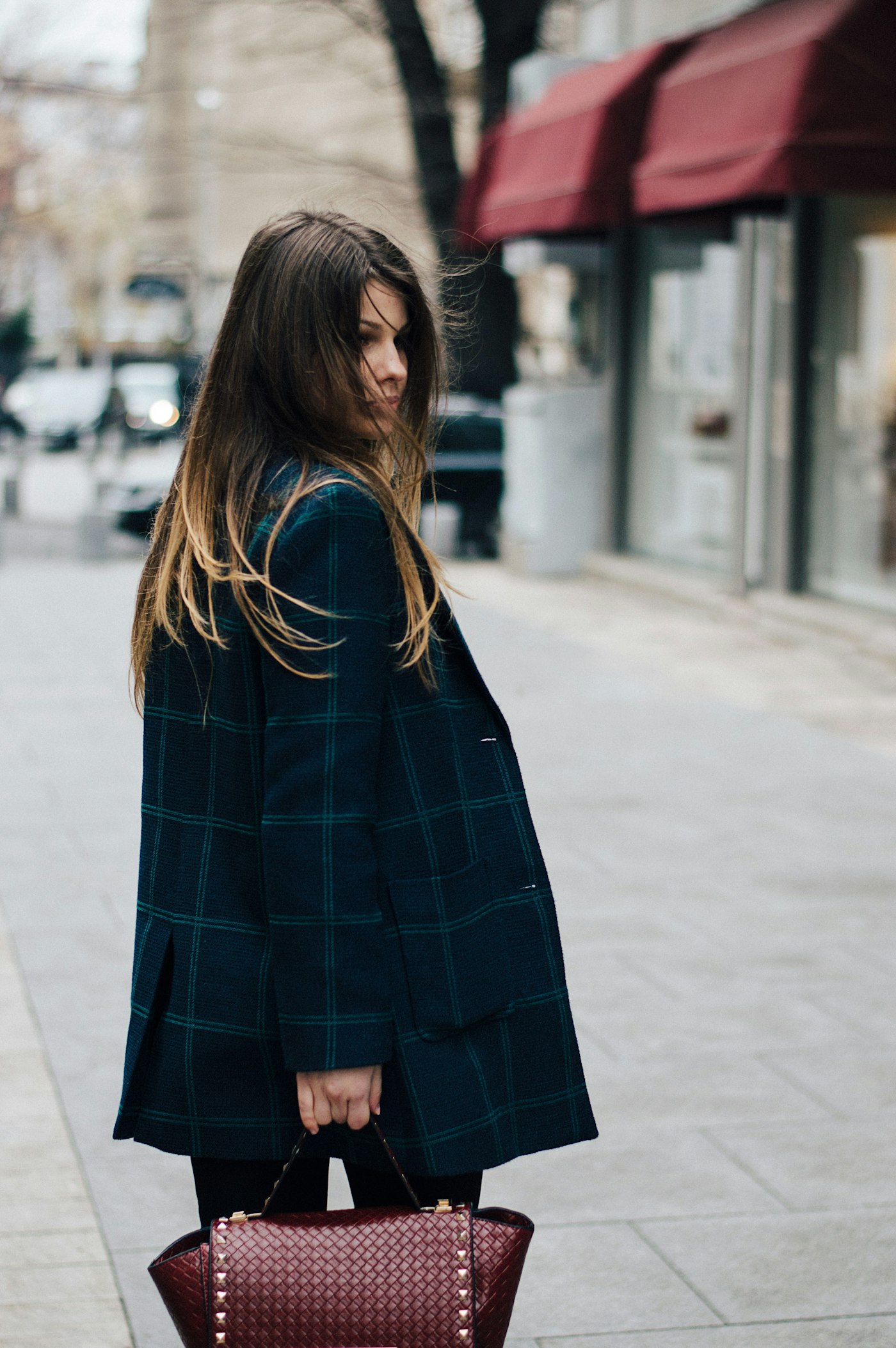
Twelve pieces in wool, cotton and waxed cloth, cut by hand in our Porto workshop and made to be worn for a decade.
Oda Studio, autumn and winter 2026
Twelve pieces in wool, cotton and waxed cloth, cut by hand in our Porto workshop and made to be worn for a decade.
A pinned scroll hero for a fashion label built on the slice-assembly component: an editorial photograph cut into vertical strips floats apart in 3D space, each strip lit by its angle and lifted on a soft shadow, and as the page scrolls the strips settle one after another into the whole picture with no seams left. The large semibold headline holds from the start; the intro, an Arrow Pill and an underline link settle in once the picture is whole. The photograph leans gently toward the cursor, and every strip setting passes through the slices prop. Reduced motion shows the whole photograph and all copy.
A pinned scroll hero where the slice-assembly component cuts a photograph into vertical strips that float apart in 3D space and settle one after another into the whole picture as the page scrolls; the headline holds from the start, and the intro and two buttons settle in once the picture is whole.
Upgrade to Pro
Pro blocks install through the shadcn CLI with your license key and ship their full source. Docs and live previews stay open to everyone, so you can read every block's details first.
Swap YOUR_EMAIL and YOUR_KEY for the email and license key on your account. Find your license key on your account page.
Radix flavor
npx shadcn add "https://ui.beste.co/r/hero249?email=YOUR_EMAIL&license_key=YOUR_KEY"Base UI flavor
npx shadcn add "https://ui.beste.co/r-base/hero249?email=YOUR_EMAIL&license_key=YOUR_KEY"This installs the block to components/beste/block/hero249.tsx plus the slice-assembly component and the button23 and button2 buttons it uses.
The installed file exports hero249Demo alongside the block: the exact props behind the preview above. Spread it to get a working hero in one line.
import { Hero249, hero249Demo } from "@/components/beste/block/hero249";

export default function Page() {
  return <Hero249 {...hero249Demo} />;
}
Then replace the demo with your own props. Written out, a trimmed setup looks like this:
import { Hero249 } from "@/components/beste/block/hero249";

export default function Page() {
  return (
    <Hero249
      eyebrow="Autumn and winter 2026"
      heading="Cut, then made whole."
      description="Twelve pieces in wool, cotton and waxed cloth, cut by hand and made to be worn for a decade."
      buttons={[
        { label: "Shop the collection", href: "/shop" },
        { label: "View the lookbook", href: "/lookbook" },
      ]}
      slices={{
        imageSrc: "https://images.unsplash.com/photo-1485968579580-b6d095142e6e?w=1400&q=80",
        imageAlt: "A woman in a dark check coat walking down a city street",
        strips: 14,
        scatter: 0.6,
        stagger: 0.6,
      }}
    />
  );
}| Prop | Type | Default | Description |
|---|---|---|---|
eyebrow | string | – | Small line above the heading |
heading | string | – | Headline, rendered as the page h1 |
description | string | – | Intro that settles in once the picture is whole |
buttons | ActionButton[] | [] | The first renders as a dark Button23 arrow pill, the rest as Button2 underline links |
slices | Omit<SliceAssemblyProps, "className" | "children" | "progress" | "autoplay"> | – | Forwards the SliceAssembly component's props: imageSrc, imageAlt, strips, depth, scatter, stagger, shading, shadow, speed, interactive, paused |
className | string | – | Extra classes for the outer <section> |
type ActionButton = {
  label: string;
  href: string;
};md the section is h-[240svh] with a sticky frame, and assembly maps scroll progress from 0.04 to 0.62 onto 0 to 1, leaving a long look at the whole photo before the section scrolls away.aria-hidden, ignore the pointer and the links drop out of the tab order.interactive is on; touch is ignored.